
The difference that actually matters
| Decision | NT530 Plus | NT650 Elite |
|---|---|---|
| Vehicle strategy | Starts with one brand; additional brand software can be added | Multi-brand coverage |
| Diagnostic depth | Full-system diagnostics for supported brand software | Focused system diagnostics, especially ABS and SRS |
| Service functions | Includes advanced service and adaptation functions depending on brand coverage | 25 maintenance functions listed by Foxwell, including EPB reset |
| Best fit | Owner or specialist who wants deeper access on a smaller number of makes | DIYer maintaining several makes who values common reset/service functions |
Feature availability varies by vehicle and software version. Treat the table as a buying framework, not a compatibility guarantee.
Choose the NT530 Plus when diagnostic depth matters more than brand count
Foxwell describes the NT530 Plus as a multi-system, bi-directional scanner that ships with software for one vehicle make and can add more makes later. That makes it a logical fit for someone who repeatedly works on the same brand and wants access beyond basic OBD2 engine codes.
This is especially relevant when your repair question is not just “can it reset a service item?” but “can it communicate with the module, read live data, run an active test or perform a brand-specific adaptation?”
Choose the NT650 Elite when you maintain several brands and want common service functions
Foxwell lists the NT650 Elite as a multi-brand tool with ABS and SRS system diagnostics plus 25 maintenance functions. EPB reset is included in the published function list, along with functions such as ABS bleeding, steering-angle reset, battery registration and DPF service.
That profile can be a better match for a household or small DIY garage with several different makes, where you care more about recurring maintenance functions than deep diagnosis of every module.
For EPB rear-brake work, do not buy by model name alone
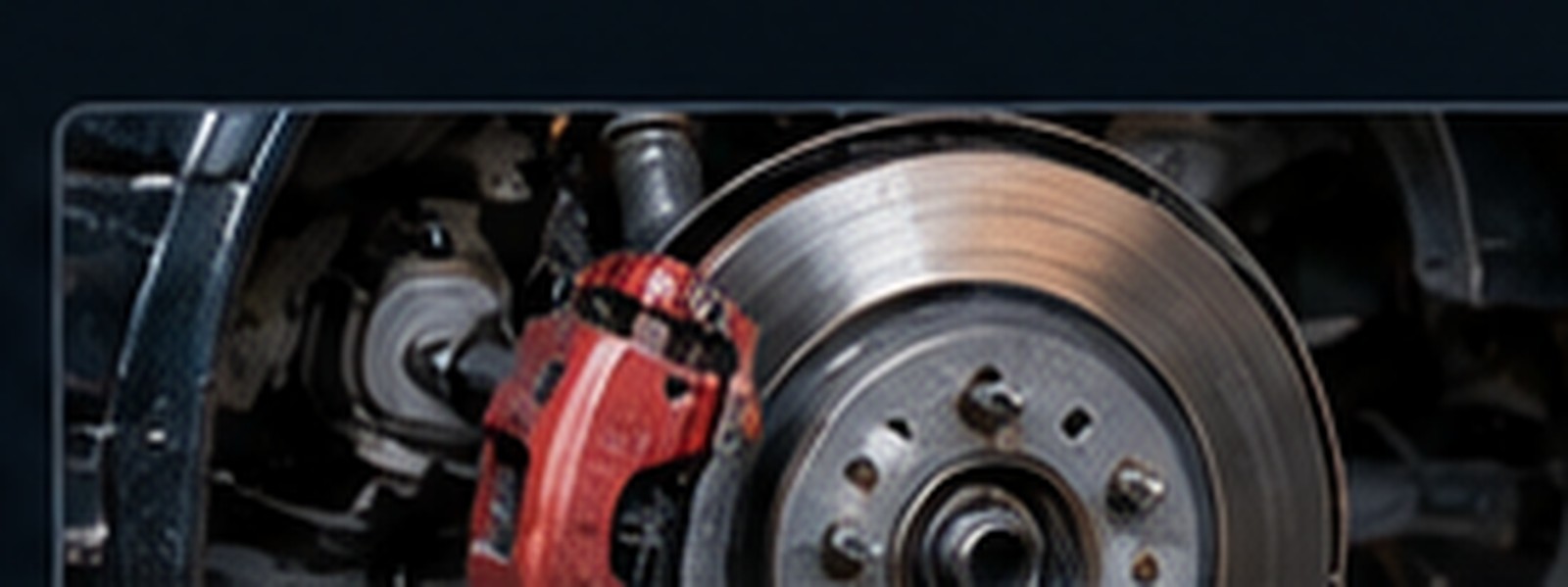
An electronic parking brake job may require a scan tool to deactivate the brake control system, place the rear brakes in service mode and reactivate or initialize the system afterward. Other vehicles may provide a documented manual procedure. The exact process varies by vehicle.
Before buying any scanner for one brake job, check the factory procedure first and then verify that the tool supports the exact EPB function on your year, make and model. A generic statement such as “supports EPB” is not the same as confirmed coverage for your car.
Read our EPB rear-brake decision guide →
Four checks before you spend money
Compare the official product information
These are direct manufacturer links, not affiliate links yet. If our Foxwell affiliate account is approved, the outbound links can later be replaced with tracked affiliate links without changing the editorial recommendation.
View NT530 PlusView NT650 EliteCompare the neighboring Foxwell choices
If this comparison still leaves two different buying paths open, continue with NT614 Elite vs NT650 Elite for maintenance-focused tools, NT530 Plus vs NT710 for brand-specific diagnostics, or NT809 vs NT809BT for multi-brand tablet scanners.